How to Use the FMCSA MOTUS Portal: Step-by-Step Registration Guide for Trucking Companies (2026)
Quick Answer
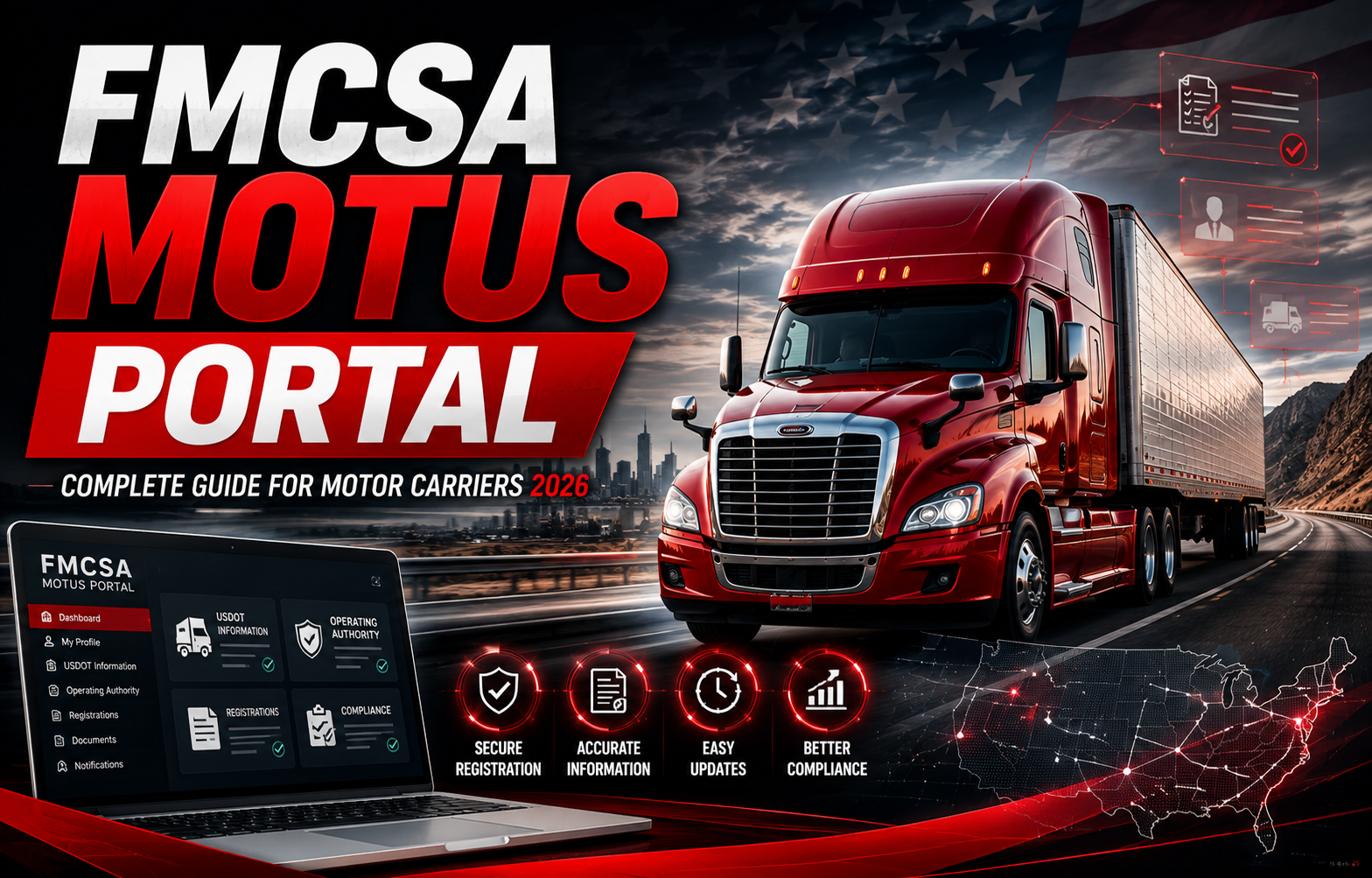
The FMCSA MOTUS Portal is the Federal Motor Carrier Safety Administration’s modern online registration platform designed to simplify carrier registration, account management, and compliance activities. Trucking companies, owner-operators, and fleet managers can use the portal to complete FMCSA online registration, manage business information, update carrier records, and prepare for ongoing compliance requirements. Understanding how the FMCSA MOTUS Portal works can help commercial carriers save time, reduce paperwork, and maintain compliance with federal transportation regulations.
Key Takeaways
- The FMCSA MOTUS Portal is the latest online platform for FMCSA registration and carrier management.
- Trucking companies can use the portal for FMCSA online registration and registration updates.
- The portal simplifies carrier account management and compliance processes.
- Accurate registration information helps reduce delays and improves operational efficiency.
- Understanding the FMCSA MOTUS Portal is important for new trucking companies, owner-operators, and fleet managers.
What Is the FMCSA MOTUS Portal?
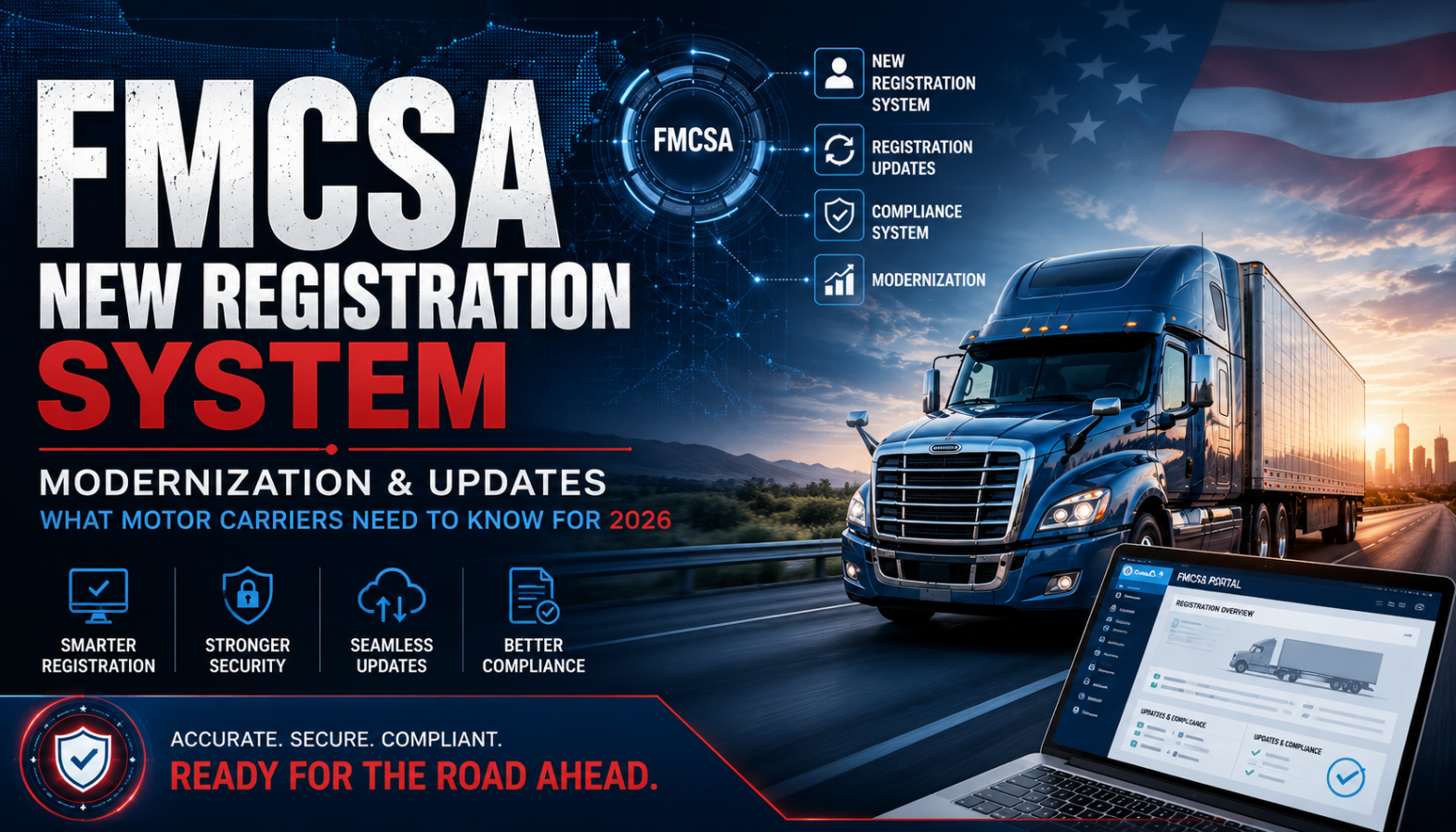
The FMCSA MOTUS Portal is a modern online platform developed by the Federal Motor Carrier Safety Administration (FMCSA) to improve how commercial carriers complete registrations and manage compliance-related information. It is part of FMCSA’s modernization initiative, which focuses on replacing older registration processes with a more secure, efficient, and user-friendly digital experience.
Previously, trucking companies often relied on multiple systems and manual processes to manage registrations, carrier information, and compliance records. The FMCSA MOTUS Portal brings these activities together into a centralized online platform, making it easier for carriers to complete important registration tasks and maintain accurate business information.
Whether you are starting a new trucking company, expanding an existing fleet, or updating carrier information, the FMCSA MOTUS Portal is becoming an important resource for managing federal registration requirements.
What Does MOTUS Mean in FMCSA?
Many trucking companies search for terms such as MOTUS FMCSA or FMCSA MOTUS when learning about the agency’s modernization efforts.
The MOTUS initiative represents FMCSA’s move toward a more digital registration and compliance system. Rather than relying on several disconnected registration tools, the MOTUS Portal is designed to provide commercial carriers with a single location to access registration-related services, update business information, and manage compliance records.
This modernization effort helps improve data accuracy, security, and efficiency while making the registration process easier for both new and existing carriers.
Why Did FMCSA Introduce the MOTUS Portal?
The trucking industry has become increasingly digital, creating a need for registration systems that are faster, more secure, and easier to use.
The FMCSA introduced the MOTUS Portal to support these goals by creating a centralized platform for carrier registration and compliance management.
Some of the key objectives include:
- Simplifying FMCSA online registration.
- Improving the user experience for commercial carriers.
- Reducing paperwork and manual processes.
- Increasing data accuracy.
- Enhancing cybersecurity and account security.
- Providing easier access to carrier records.
- Supporting long-term FMCSA trucking compliance.
- Streamlining future registration updates.
By modernizing its registration systems, FMCSA aims to reduce administrative challenges while helping carriers maintain accurate records throughout their business lifecycle.
Who Should Use the FMCSA MOTUS Portal?
The FMCSA MOTUS Portal is designed for a wide range of transportation businesses and commercial carriers.
It is especially useful for:
- New trucking companies starting operations.
- Owner-operators applying for operating authority.
- Fleet managers responsible for multiple commercial vehicles.
- Interstate motor carriers.
- Freight transportation businesses.
- Logistics companies.
- Existing carriers updating business information.
- Companies managing ongoing FMCSA trucking compliance.
Regardless of business size, every commercial carrier should understand how the FMCSA MOTUS Portal works because registration information must remain accurate throughout the life of the business.
Why Is the FMCSA MOTUS Portal Important?
Registration is one of the first compliance requirements for every trucking business operating in interstate commerce.
Using the FMCSA MOTUS Portal helps businesses:
- Complete FMCSA online registration more efficiently.
- Maintain accurate carrier records.
- Update business information when needed.
- Reduce registration errors.
- Improve compliance management.
- Prepare for future FMCSA registration updates.
- Access important carrier services through a centralized platform.
Accurate registration information also helps prevent unnecessary delays when updating operating authority or managing compliance requirements.
What Can You Do Through the FMCSA MOTUS Portal?
The FMCSA MOTUS Portal is designed to support several important registration and account management activities.
Commercial carriers may use the platform to:
- Complete FMCSA online registration.
- Create and manage carrier accounts.
- Update company information.
- Review registration records.
- Access carrier-related services.
- Manage business contact information.
- Maintain registration accuracy.
- Support ongoing compliance requirements.
As FMCSA continues modernizing its digital services, additional features may become available through the portal.
Benefits of Using the FMCSA MOTUS Portal
The FMCSA MOTUS Portal offers several advantages over traditional registration methods.
Some of the most important benefits include:
Faster Registration
Online processes help reduce manual paperwork and improve application efficiency.
Improved Data Accuracy
Updating information through a centralized system helps reduce errors that may affect registrations or compliance records.
Better Account Management
Businesses can maintain carrier information from a single online platform instead of using multiple registration systems.
Enhanced Security
Modern authentication and digital account management improve the protection of business information.
Easier Compliance Management
Maintaining accurate registration records supports ongoing FMCSA trucking compliance and helps carriers prepare for future updates.
How Does the FMCSA MOTUS Portal Support Trucking Businesses?
For many carriers, managing registration information is an ongoing responsibility rather than a one-time task.
The FMCSA MOTUS Portal helps businesses by simplifying routine administrative activities, reducing paperwork, and making it easier to keep registration information current.
This allows trucking companies to spend less time managing documentation and more time focusing on business operations, customer service, and fleet growth.
How to Complete FMCSA Online Registration Using the FMCSA MOTUS Portal
Once you understand what the FMCSA MOTUS Portal is, the next step is learning how to complete your registration correctly. Preparing the required information before starting the application can help reduce errors and speed up the registration process.
Below is a general step-by-step guide that explains how commercial carriers typically prepare for FMCSA online registration. Requirements and procedures may change over time, so always verify the latest guidance from the official FMCSA resources.
Step 1: Determine Your Business Type
Before beginning FMCSA online registration, identify the type of trucking business you operate.
Examples include:
- Owner-Operator
- For-Hire Carrier
- Private Carrier
- Freight Broker
- Freight Forwarder
- Passenger Carrier
- Fleet Operator
Selecting the correct business classification helps ensure your registration information matches your planned operations.
Step 2: Gather Required Business Information
Having accurate information available before starting your application helps prevent delays.
You may need information such as:
- Legal business name
- DBA (Doing Business As), if applicable
- Business address
- Mailing address
- Employer Identification Number (EIN)
- Business phone number
- Business email address
- Responsible party information
- Company ownership details
Review all information carefully before submitting your application.
Step 3: Prepare Your Operating Information
Depending on your operations, you may also need details about your trucking business.
This may include:
- Type of freight transported
- States where you plan to operate
- Number of commercial vehicles
- Number of drivers
- Vehicle weight classifications
- Interstate or intrastate operations
Providing complete information helps improve registration accuracy.
Step 4: Create Your FMCSA MOTUS Portal Account
The FMCSA MOTUS Portal requires users to access services through a secure online account.
When creating your account:
- Use a valid business email address.
- Choose a secure password.
- Enable available security features.
- Keep your login credentials secure.
- Verify your account information.
Maintaining secure account access helps protect important carrier information.
Step 5: Complete FMCSA Online Registration
After signing in, begin the FMCSA online registration process by entering your business information.
Before submitting, carefully review:
- Company name
- Business address
- Contact details
- Registration information
- Operating classification
- Vehicle information
- Driver information (when required)
Taking a few extra minutes to verify information can help avoid unnecessary registration corrections later.
Step 6: Review Your Application Carefully
Many registration delays happen because applicants submit incorrect information.
Before selecting Submit, confirm:
- All required fields are complete.
- Business information matches official records.
- Contact information is accurate.
- Email addresses are correct.
- Vehicle information is complete.
- Required documentation has been prepared.
A careful review can save significant time during the registration process.
Step 7: Save Registration Records
Once your application has been submitted, keep copies of important records.
Maintain:
- Registration confirmations
- Application numbers
- Email confirmations
- Supporting documentation
- Login credentials
- Future renewal reminders
Organized records make future updates much easier.
What Documents May Be Required?
Although requirements depend on the type of carrier and registration being completed, businesses are commonly asked to prepare documentation such as:
- Employer Identification Number (EIN)
- Business registration documents
- Insurance information
- Business contact details
- Vehicle information
- Driver information
- Operating authority details
- USDOT information (when applicable)
Preparing these documents before beginning FMCSA online registration can reduce delays.
Common FMCSA MOTUS Portal Registration Mistakes
Many registration issues can be avoided by paying close attention during the application process.
Common mistakes include:
Using Incorrect Business Information
Always ensure your legal business name and address match official records.
Entering Incorrect Contact Details
An outdated email address or phone number may cause important notifications to be missed.
Selecting the Wrong Business Classification
Choosing the incorrect operating classification may create registration complications.
Submitting Incomplete Applications
Double-check that all required sections have been completed before submission.
Waiting Until the Last Minute
If your business requires updated registration, avoid waiting until deadlines approach.
Planning ahead gives you time to correct any issues that may arise.
Best Practices for Using the FMCSA MOTUS Portal
Commercial carriers can improve their registration experience by following a few simple best practices.
Maintain Accurate Records
Regularly review business information to ensure it remains current.
Update Information Promptly
Whenever business details change, update your records as soon as possible.
Monitor Important Dates
Keep track of registration updates, renewals, and compliance deadlines.
Organize Business Documents
Store important registration records in a secure location where they can be easily accessed.
Review FMCSA Requirements Regularly
FMCSA regulations and online systems continue to evolve. Staying informed helps businesses remain compliant.
How the FMCSA MOTUS Portal Supports FMCSA Trucking Compliance
Accurate registration information plays an important role in overall FMCSA trucking compliance.
Maintaining current records through the FMCSA MOTUS Portal can help businesses:
- Improve registration accuracy.
- Reduce administrative errors.
- Support compliance reporting.
- Maintain current business information.
- Prepare for future registration updates.
- Improve operational efficiency.
For growing trucking companies, maintaining organized registration records is an important part of long-term compliance management.
Why Many Trucking Companies Seek Registration Assistance
Although the FMCSA MOTUS Portal is designed to simplify registration, some businesses choose to work with experienced registration professionals.
Professional assistance may help:
- Reduce application errors.
- Save administrative time.
- Improve document organization.
- Simplify complex registration requirements.
- Support ongoing compliance management.
For new carriers especially, guidance from experienced professionals can make the registration process easier to navigate.
Frequently Asked Questions (FAQs)
1. What is the FMCSA MOTUS Portal?
The FMCSA MOTUS Portal is the Federal Motor Carrier Safety Administration’s modern online platform for carrier registration, account management, and compliance-related services. It allows trucking companies to complete FMCSA online registration, update business information, and manage carrier records through a centralized digital system.
2. Who should use the FMCSA MOTUS Portal?
The FMCSA MOTUS Portal is designed for owner-operators, trucking companies, fleet managers, freight carriers, logistics businesses, and commercial transportation companies that need to complete FMCSA online registration or maintain carrier information.
3. How do I register through the FMCSA MOTUS Portal?
To register, you generally need to prepare your business information, create or access your secure account, complete the required registration details, review your application carefully, and submit it. Keeping accurate documentation and verifying all information before submission can help reduce processing delays.
4. What information is required for FMCSA online registration?
The required information depends on your business operations but commonly includes:
- Legal business name
- Business address
- Employer Identification Number (EIN)
- USDOT Number (if applicable)
- MC Number (if applicable)
- Business contact information
- Insurance information
- Vehicle and operational details
Preparing these documents before starting the application can make the registration process more efficient.
5. What are the benefits of using the FMCSA MOTUS Portal?
The FMCSA MOTUS Portal offers several advantages for commercial carriers, including:
- Simplified FMCSA online registration
- Faster access to registration services
- Improved account management
- Better data accuracy
- Reduced paperwork
- Enhanced digital security
- Easier compliance management
These benefits help trucking companies maintain accurate registration records while supporting long-term operational efficiency.
6. Is the FMCSA MOTUS Portal replacing older FMCSA registration systems?
The FMCSA MOTUS Portal is part of FMCSA’s modernization initiative to improve the carrier registration experience. As FMCSA continues updating its digital services, carriers should stay informed about official announcements and registration updates to ensure they follow the latest procedures.
7. How does the FMCSA MOTUS Portal support FMCSA trucking compliance?
Maintaining accurate registration information is an important part of FMCSA trucking compliance. The portal helps carriers manage business records, update registration details, improve data accuracy, and maintain organized documentation, making it easier to meet federal registration requirements.
8. Where can trucking companies get help with FMCSA online registration?
Many trucking companies seek professional assistance when completing FMCSA online registration or updating carrier information. Registration specialists can help review documentation, reduce application errors, and provide guidance throughout the registration process.
Final Thoughts
The FMCSA MOTUS Portal represents an important step toward modernizing how commercial carriers manage registration and compliance activities. As the trucking industry continues to embrace digital processes, understanding how the portal works can help businesses complete registrations more efficiently, maintain accurate carrier information, and stay prepared for future compliance requirements.
Whether you are launching a new trucking company, expanding your fleet, or updating existing registration records, taking the time to understand the FMCSA MOTUS Portal can simplify administrative tasks and support long-term business growth. Preparing your documentation in advance, reviewing information carefully, and staying informed about FMCSA registration updates can help reduce delays and improve the overall registration experience.
A proactive approach to registration management not only supports compliance but also helps trucking companies focus on what matters most—keeping their vehicles moving safely and efficiently across the United States.
About JST Truck Permits
JST Truck Permits provides professional trucking permit, registration, and compliance solutions for commercial carriers throughout the United States. Our services include FMCSA online registration assistance, DOT compliance support, truck permit management, commercial vehicle registration, IRP services, MC authority assistance, and other trucking compliance solutions designed to help businesses operate legally and efficiently.